Feelings Chart for Kids PDF Free Printable

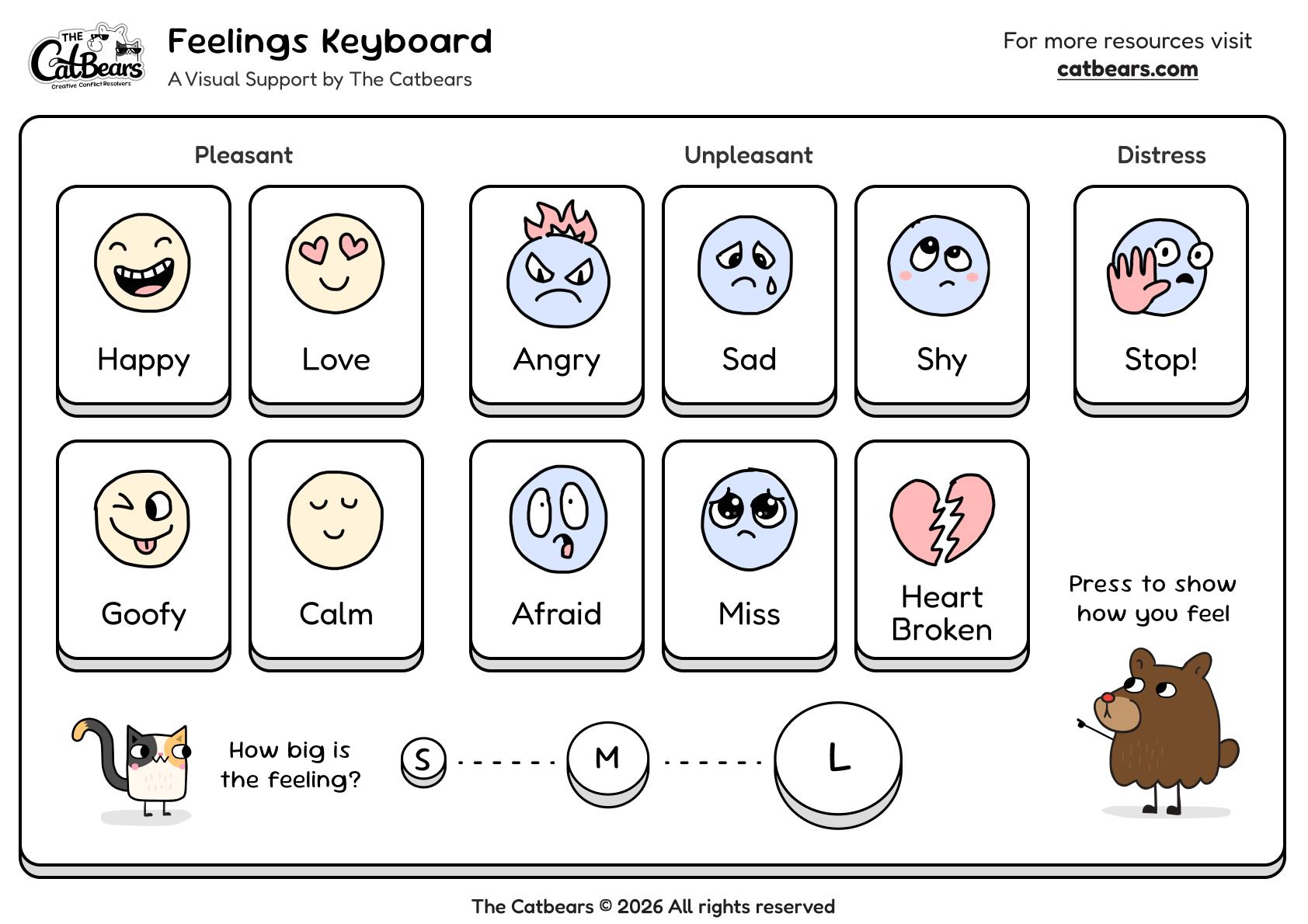
Free feelings chart for kids PDF. A simple visual keyboard that helps children name emotions and ask for help when words are hard to find.

Skills this visual support covers:

  • Naming and identifying emotions.
  • Showing how big the feeling is (S, M, L).
  • Asking for help without words.
  • Practicing the Pause to Relax skill.

Skills this visual support covers:

  • Naming and identifying emotions.
  • Showing how big the feeling is (S, M, L).
  • Asking for help without words.
  • Practicing the Pause to Relax skill.

When big feelings take over, children can't think clearly. They need a way to communicate before words are possible.

More than naming emotions

  • Children learn to ask for help
  • They practice pausing before reacting
  • They build trust that adults will respond
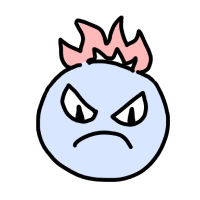
AngryAngry
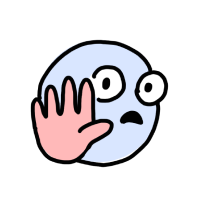
StopStop
HappyHappy
LoveLove

Building a lifelong habit

When children practice this from a young age, it becomes part of who they are. Instead of exploding or shutting down, they learn there's another way.

Pause to Relax — the skill that changes how we handle hard moments.
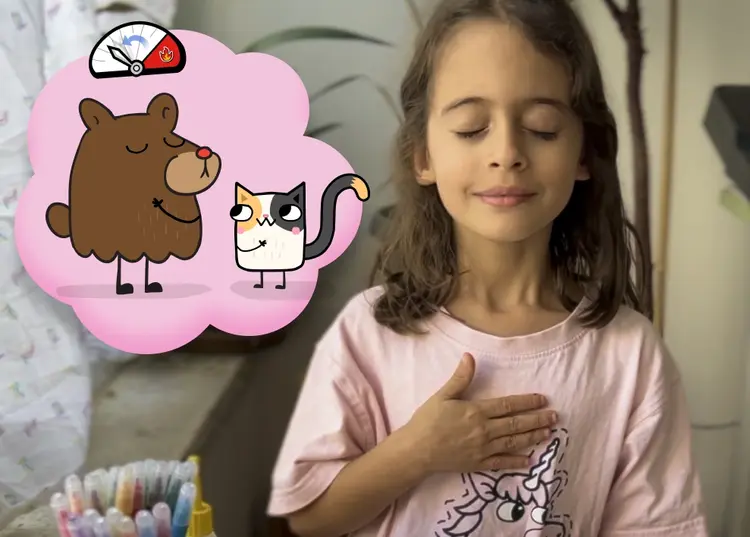
Bear feeling calm and proud

How to Use:

  1. Print and hang where children can reach
  2. Introduce during a calm moment
  3. Practice together before they need it
DOWNLOAD FEELINGS KEYBOARD (PDF)
File size: 4.2 MBPages: 3 pages

Feelings chart for kids resources

Find feelings chart for kids pdf, emotions chart for kids, printable feelings chart, and feeling chart resources for helping children identify and express emotions.

Feelings Keyboard is a visual support tool developed by The Catbears that helps children name their emotions and show how big the feeling is. Like a keyboard helps us type words, this keyboard helps children show how they feel — especially when words are hard to find.
Feelings Keyboard is designed for children aged 2 to 8. It uses simple emotion faces and a size meter (S, M, L) that young children can easily understand and use independently.
Most feelings charts stop at naming emotions. Feelings Keyboard goes further — it teaches children to ask for help and gives adults a clear process for responding. It's not just about identifying feelings, it's about what happens next.
Pause to Relax is the skill of calming down before reacting. When children use Feelings Keyboard, they're practicing this skill — creating a gap between the trigger and the reaction, so the body can calm down before words begin.
Feelings Keyboard is designed for parents, teachers, and therapists working with young children. It works well in classrooms, at home, in therapy settings, and anywhere children need support with big emotions.
Yes. Feelings Keyboard provides a non-verbal way to communicate emotions, which is especially helpful for children who struggle with finding words during emotional moments. The visual format and simple structure make it accessible for visual learners.
Yes. As part of The Catbears mission to help children become creative conflict resolvers, this PDF is 100% free for home, classroom, or clinical use.
Find a quiet moment when your child is calm. Explain that just like a keyboard helps us type words, this keyboard helps us show how we feel. Demonstrate by pressing a feeling and a size: "I'm really happy to be here today" — press Happy and L. Then invite your child to try.
First, mirror what they're pointing to: "I see. You're really angry. And it's big." Then help their body calm down — take them somewhere quiet, give them water, breathe with them slowly. Only after they've relaxed, ask what happened.
Hang it somewhere children can easily reach — at their eye level. Good spots include: near a calm-down corner, in the classroom, on the fridge, or in their bedroom. The key is accessibility when they need it most.
Practice during everyday calm moments: "I'm a little tired" — press Calm, press S. The more familiar it becomes when things are easy, the more natural it will be when things are hard.